

将 Disguise 的强大能力,掌握在手中
在你选择的播放解决方案上,解锁领先的视觉体验软件。
无论制作走向何方,都能享受完整的 Disguise 体验
X 系列将编程、预可视化与播放整合于一个软件订阅中,由 Disguise Designer 提供支持。

解锁完整的 Designer 工作流程,支持高级编程、预可视化、序列编辑、Mapping 和演出控制。

在 Designer 中通过一个演出文件,从编程、预可视化一路延伸至现场执行。

借助便携式 License Dongle,将 Designer 的强大能力带到更多制作现场,在你选择的硬件上运行 Disguise。
选择适合你制作需求的方案
X1、X2 和 X3 均提供相同的 Designer 工具与工作流程,根据制作需求选择 1、2 或 3 路 4K DCI 输出。
创建账户,并在 MyDisguise 中购买你的方案。
不确定哪个方案适合你? 联系我们的团队
便携、灵活、强大
让创意落地所需的一切
使用你自己的硬件
在自己的 Windows 硬件上运行完整的 Designer 体验。Renderboxes 和 Silverdraft 是我们推荐的硬件合作伙伴。
先进的预可视化
在抵达现场前,通过 3D 预览和完善演出设计,让每一次调整都更有把握。
灵活延续演出制作
通过同一个演出文件,将项目从工作室一路带到现场执行;需要调整时,无需从头重新搭建整场演出。
实时内容
将你选择的内容引擎接入 Designer,无需离开现有工作流程。
完整生态体验
X 系列 License 同时提供 Disguise 培训、7×24 小时支持,以及终身免费软件更新。.
X 系列适用于哪些场景?
将完整的 Designer 工作流程带入现场演出、巡演、剧场、沉浸式体验、企业活动及创意制作,并根据项目变化灵活调整。


看看 X 系列如何应用
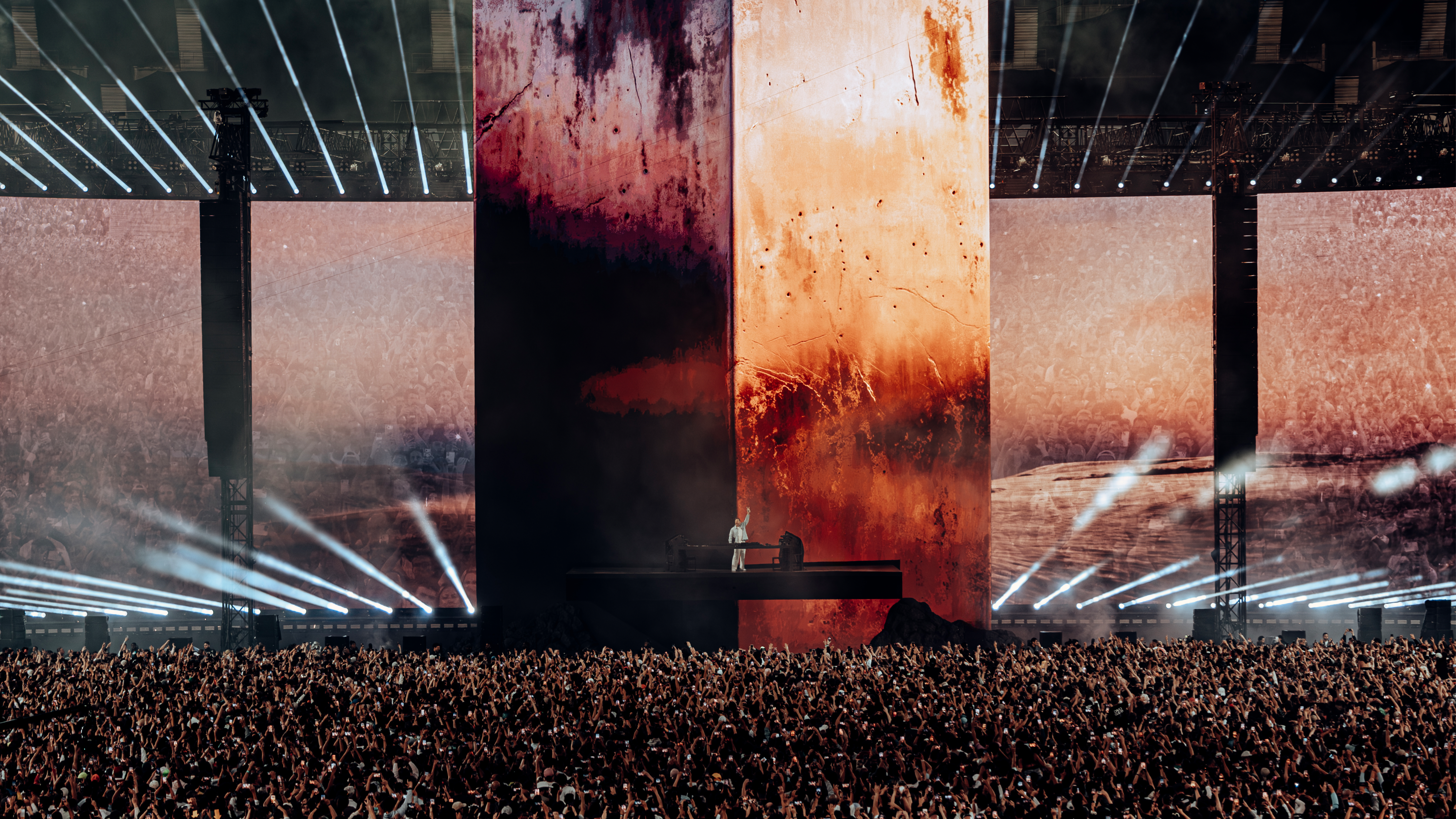
当 David Guetta 的 Monolith 演出回到 Ibiza 时,制作团队需要将完整的体育场级设计适配到更为紧凑的 Club 环境。借助 X 系列,他们可以直接在 Designer 中重新调整整套 VX 和 GX 制作的规模,无需在新系统中从头搭建整场演出。
听听客户怎么说
FAQs
What’s the difference between X1, X2 and X3?
The only difference is output capacity. X1 provides one 4k DCI output, X2 provides two 4k DCI outputs, and X3 provides three. Each tier comes with the same Designer tools and workflow across the X Series.
What subscription plans are available?
X1 and X2 are available as monthly or annual subscriptions. X3 is currently available as an annual subscription only. Each subscription can be purchased directly through MyDisguise.
Can I upgrade or downgrade licenses across the X Series?
No, the X Series licenses cannot be upgraded or downgraded between X1, X2, and X3.
What hardware can I run the X Series on?
The X Series runs on compatible Windows hardware. See our system requirements for detailed specifications. We also recommend hardware from our partners Renderboxes and Silverdraft.
让更大胆的创意,走上每一个舞台
找到符合你需求的 X 系列配置,无论制作走向何方,都能获得完整的 Disguise 体验。

