


Streamlined, Scalable Control with Looks
Group, edit, and trigger multi-layer scenes through a single track in Disguise Designer.
What is Looks?
Looks is a new feature for building and scaling projects in Disguise Designer software.
Simplify complex timelines by condensing multiple layers into a single Look track that can be endlessly re-used across timelines and projects. Quickly spin up variations of visuals while maintaining overall consistency by exposing certain editable parameters of a Look, and locking down others.
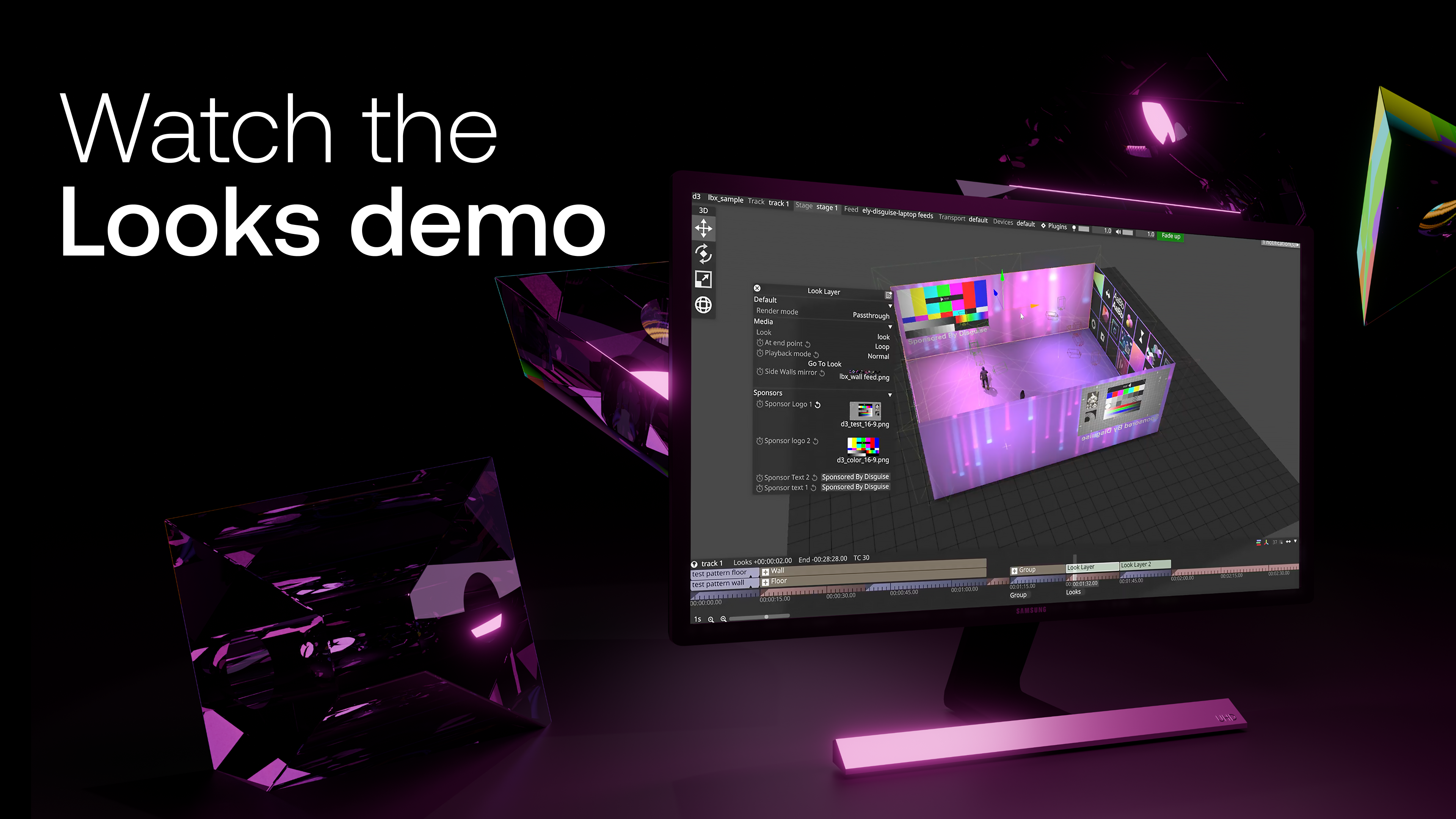
Get more product details in our latest blog article.
Why use Looks?
Simplify complex, multi-layer timelines by condensing multiple layers into a single, manageable Look track.
Don’t waste time rebuilding similar setups across timelines or projects - simply create your Look and reuse it.
Define the fields that must be frequently changed, like text, while keeping the structure and creatives consistent across all iterations.
Integrate saved Looks into third-party interfaces via API, so venue controllers can quickly edit text or logos without touching a complex Designer showfile.
Looks isolate the parameters that matter, so programmers can act quickly and modify content at short notice without disrupting the overall structure.
Choose the creative elements of your Look you want to keep consistent, and they will stay the same anywhere that Look is recalled.
Discover the power of Looks

Learn more in our User Guide
